Rent a Mac in the cloud: a whole Mac mini M6, just for you

Dedicated Apple silicon in an EU datacenter. Connect by remote desktop or SSH, with full admin rights. Rent it for a day or by the month.

  • Apple M6
  • 12-core CPU
  • 16 GB
  • 256 GB SSD

Mac mini M6

Chip
Apple M6, 12-core CPU
Memory
16 GB
Storage
256 GB SSD
Network
1 Gbit/s
Location
EU
Used by
one customer at a time

Ready for its next developer

One machine. One customer.

Not a virtual machine, not a shared server: the whole Mac mini is yours for as long as you rent it.

In an EU datacenter. On your screen anywhere.

Connect from Windows, macOS or Linux by remote desktop or SSH, with full admin rights from the first minute.
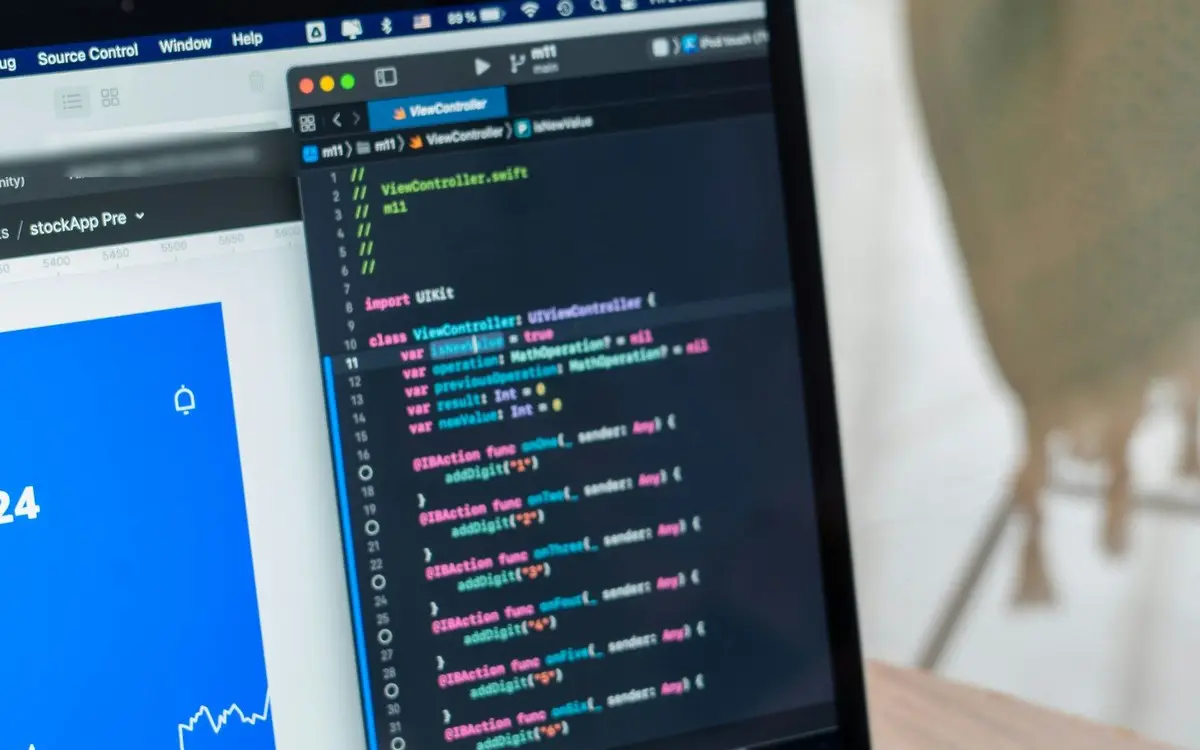
Up and running in three steps

  1. 1

    Choose a day or a month

    Pay by card on a Stripe checkout page. No sign-up: your account opens with your first payment.

  2. 2

    Your Mac is ready in minutes

    Usually within 5 minutes of payment, your Mac appears in My account with its remote-desktop details, ready to copy. We email you as soon as it’s ready.

  3. 3

    Connect from any computer

    Use the remote-desktop app on Windows, macOS or Linux, or open a terminal over SSH. Then sign into the App Store with your own Apple Account to install Xcode.

What developers use it for

  • Publishing an iOS app built on Windows

    Flutter, React Native, Expo, Capacitor or .NET MAUI: sign, archive and upload to App Store Connect from a real Mac.

  • Building and testing with Xcode

    Run the iOS Simulator, Instruments and UI tests on Apple silicon, without buying hardware.

  • A CI runner you control

    Register the Mac as a self-hosted runner for GitHub Actions or GitLab CI and keep your caches warm between builds.

  • Coding agents on macOS

    Let Cursor, Claude Code or other coding agents build and test your Apple projects on a Mac no other customer uses.

  • Safari and macOS work

    Check your web app in Safari, or build and sign native macOS software.

How we treat your machine and your money

  • 0

    Zero copies of your files

    When a rental ends, your files are gone: no copy anywhere, and the whole Mac is erased before anyone else uses it. We warn you first, so you have time to take your files.

  • 3

    Renewals you can see coming

    Reminders 3 days and 1 day before each renewal, your plan and card always at hand in My account, and 24 hours to fix a failed payment with your Mac untouched and reachable.

  • 6

    Six languages, real people

    Write in English, Spanish, Portuguese, French, Turkish or Arabic. A person from the team replies, not a bot.

  • 1

    One machine, one customer

    A physical Mac, rented whole to you alone for as long as you need it.

Install whatever you need

The Mac comes with the current macOS. You install Xcode from the App Store with your own Apple Account, so its licence is yours. You’re the administrator: the rest is a Homebrew command or a download away.

  • Xcode
  • Flutter
  • React Native
  • Expo
  • Capacitor
  • .NET MAUI
  • Unity
  • Godot
  • Node.js
  • Python
  • Ruby
  • CocoaPods
  • fastlane
  • Homebrew
  • Git
  • VS Code
  • Cursor
  • Claude Code
  • Android Studio
  • Docker Desktop

Questions people ask first

All questions

Is the Mac really mine, or is it a virtual machine?
It’s a physical Mac mini M6, rented whole to one customer at a time. Its processor, memory and disk are yours alone while you rent it.
Can I run my iOS app on it?
Yes. Run it in the iOS Simulator that comes with Xcode, and install it on your own iPhone through TestFlight.
Can I use it from a Windows PC?
Yes. Connect with a remote-desktop app for Windows, macOS or Linux and the Mac’s desktop opens in a window. For the command line, SSH works from the terminal already built into all three.
What’s the shortest rental?
A 24-hour pass, the shortest rental Apple’s macOS licence allows. Need longer? Take the 7-day pass or the monthly plan.
What happens to my data when the rental ends?
We warn you before the end, so you have time to download your files and export your signing certificates. When the rental ends, your macOS account and all your files are deleted within minutes, with no backup and no copy anywhere, so we cannot get them back. The whole Mac is then erased before anyone else uses it. We keep none of your files, only records such as invoices, payments and rental dates.

Need a Mac today?

Often you need a Mac for a single day: to sign, archive and submit your app. The 24-hour pass comes with a step-by-step guide.

Before you pay

Payment is handled by Stripe.

They show us how the site is used, including recordings of your visit; what you type stays hidden (PostHog, Google Analytics). These tools use cookies and start only if you say yes. You can change your mind at any time from the bottom of the page. If you say no to statistics, we only count your visit, without cookies. Cookie policy